Automations
Describe a rule once, in plain words. Braid compiles it into steps, and it runs every time.
Most office work repeats: a new person starts, a request arrives, a ticket is added. An automation is a rule you write once, in plain words. Braid compiles the sentence into steps you can read, and after a person approves it, it runs every time the rule applies.
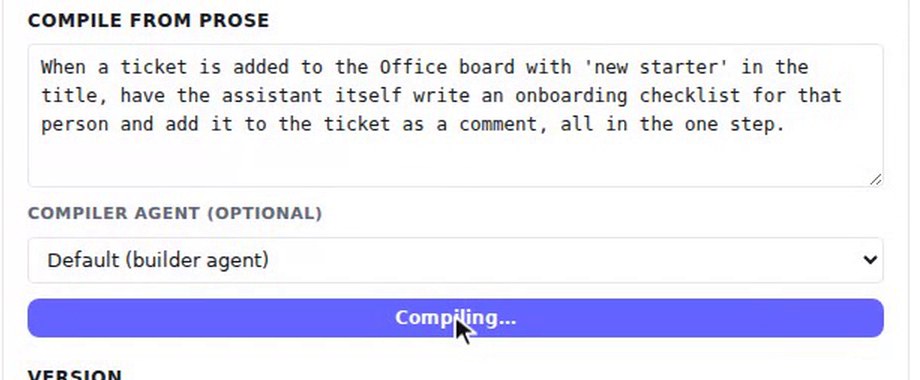
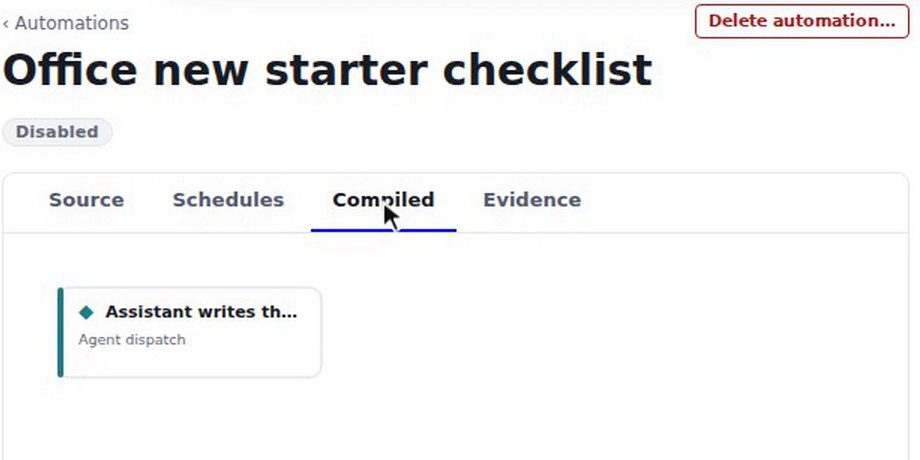
In the recording, an office admin writes one sentence: when a ticket is added to the Office board with "new starter" in the title, have the assistant write an onboarding checklist for that person and add it to the ticket as a comment. She presses Compile, and the Compiled tab shows a single step, an agent dispatch called "Assistant writes th…". Nothing has run yet.
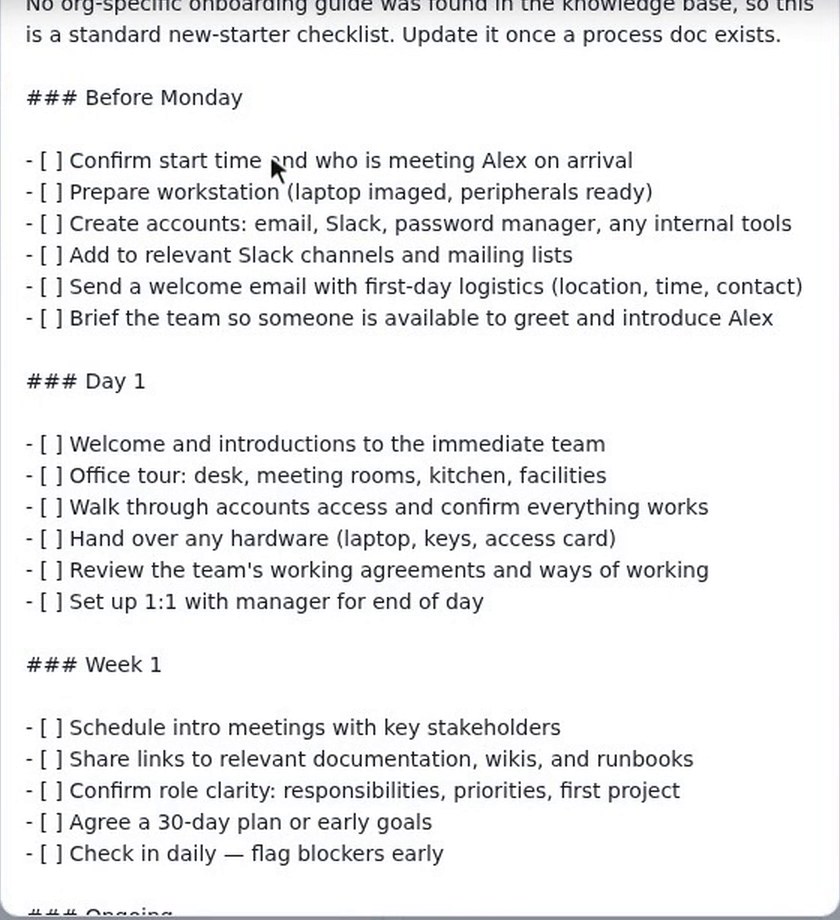
She proposes publishing it, approves the publish from her Inbox, and switches the automation on. Then a colleague adds a ticket on the Office board: "New starter: Alex Morgan, starts Monday". Opening the ticket shows a checklist in a comment that nobody asked for: Before Monday, Day 1, Week 1 and Ongoing, covering things like confirming the start time, preparing a workstation and creating accounts. The assistant notes that it found no organisation-specific onboarding guide, so this is a standard checklist. The wording of the checklist varies from run to run.
How to use it
- Go to Workbench, Automations and press New automation. Give it a name.
- Write the rule in one sentence under Compile from prose and press Compile.
- Read the compiled steps on the Compiled tab.
- Press Propose publish, approve the publish from your Inbox, and switch the automation on.
What to know
Only org admins build automations. Publishing is a decision a person approves, and nothing runs until the automation is switched on. Work that no person started needs an executor that allows autonomous runs, which shared executors do by default and desktop executors do not.
Also in Automations
Braid also offers tests, replay of recent events and a dry run before you publish, schedules, and a calendar of scheduled runs.